Top 5Has said they use
Native Instruments
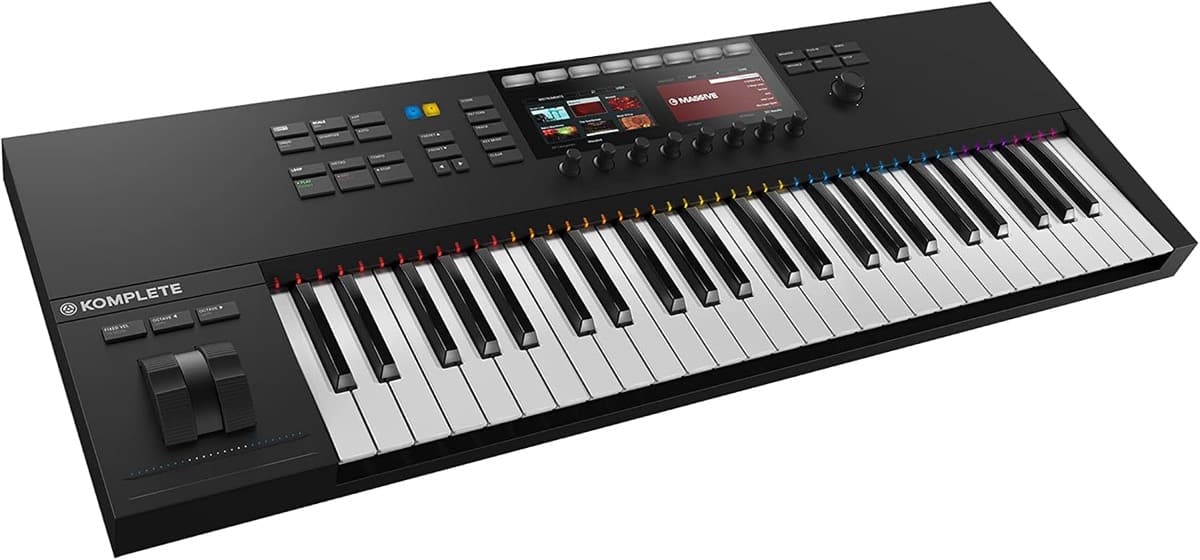
Komplete Kontrol S49 MK2Seen in Studio Walkthrough (Metrik, YouTube), 0:23, September 2020
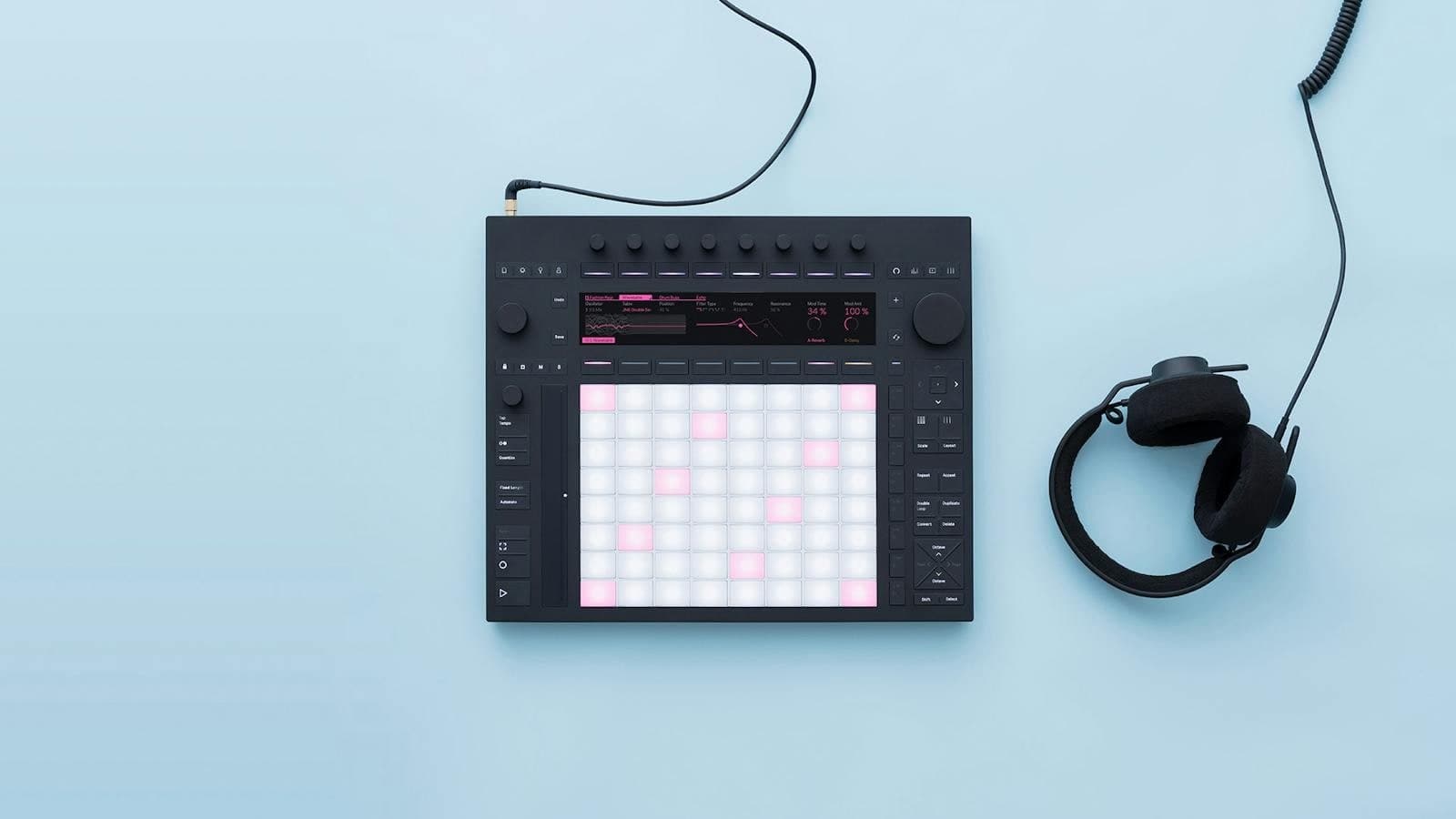
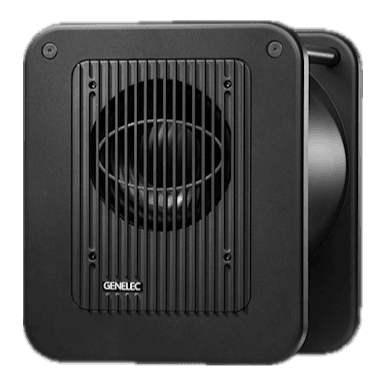
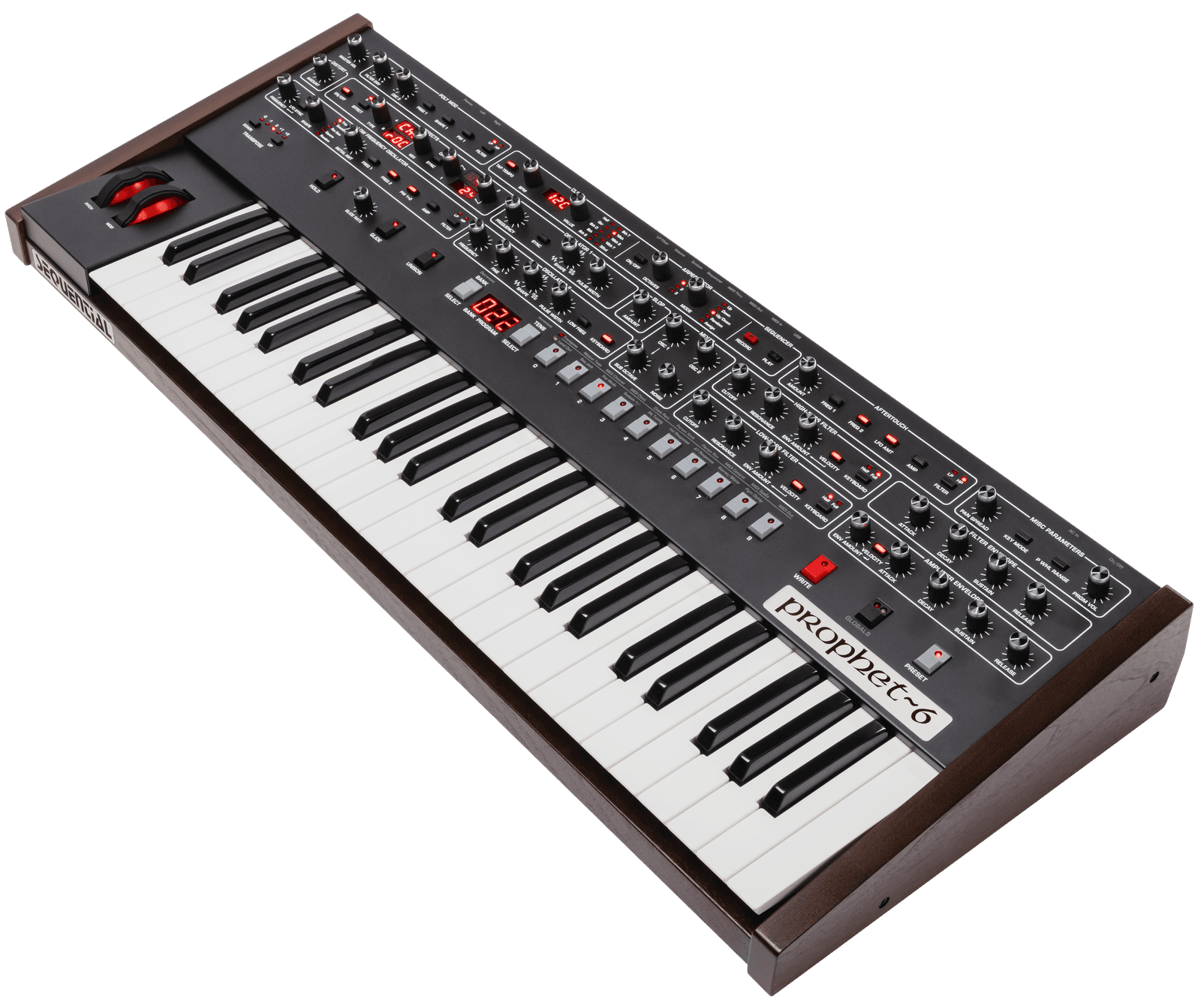
Metrik has said his studio runs on a Universal Audio Apollo 8 and RME Digiface USB, with Genelec 8340A monitors and a 7350 subwoofer, Audeze LCD-2 headphones, a Native Instruments Komplete Kontrol S49 MK2, Ableton Push, a Sequential Prophet-6 and a Neumann TLM 102 for vocals.
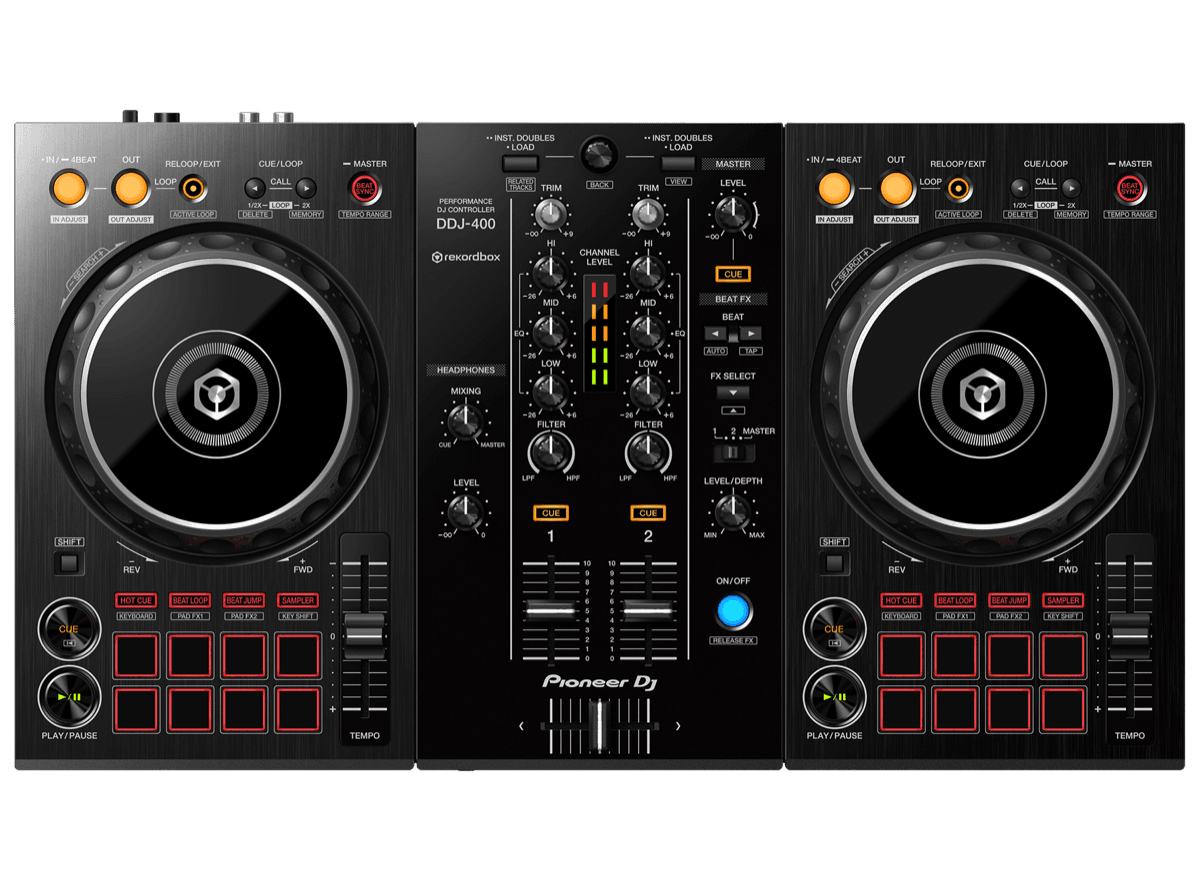
Independent research by truerecs: every item links to the public source it comes from.
In his 2020 studio walkthrough video, Metrik listed a Universal Audio Apollo 8 Thunderbolt interface and an RME Digiface USB.
He has said he works on Genelec 8340A Smart Active Monitors with a Genelec 7350 subwoofer, per his own studio walkthrough video.
Metrik listed Audeze LCD-2 Classic open back headphones in the equipment notes of his studio walkthrough video.
He has said he works with a Native Instruments Komplete Kontrol S49 MK2, alongside an Ableton Push controller and a You Rock Guitar MIDI guitar.
The hardware synth in his studio walkthrough is a Sequential Prophet-6.
Metrik records his own vocals and listed a Neumann TLM 102 condenser microphone in his studio walkthrough.
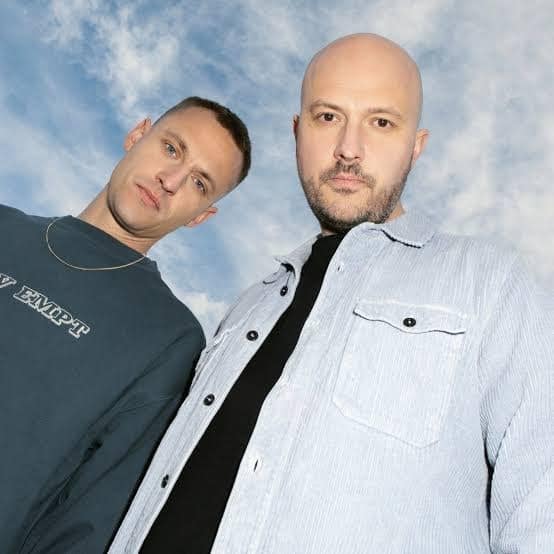
Metrik is the drum and bass project of UK producer Tom Mundell, a long-running Hospital Records artist. This guide covers the studio he showed in his own walkthrough video for the Ex Machina album era.
truerecs put this guide together from public videos, interviews and posts. Each item says how we know and links to the source. Metrik didn't write it or choose anything on it. How we source gear guides.
Report an error or ask for removal. We fix or remove within 72 hours. You don't need to sign up.
Claim this page to make it yours: verify with your Instagram, TikTok or YouTube, keep what's right, drop what isn't, and add your own.
Claim this page

