Top 5Has said they use
Apple
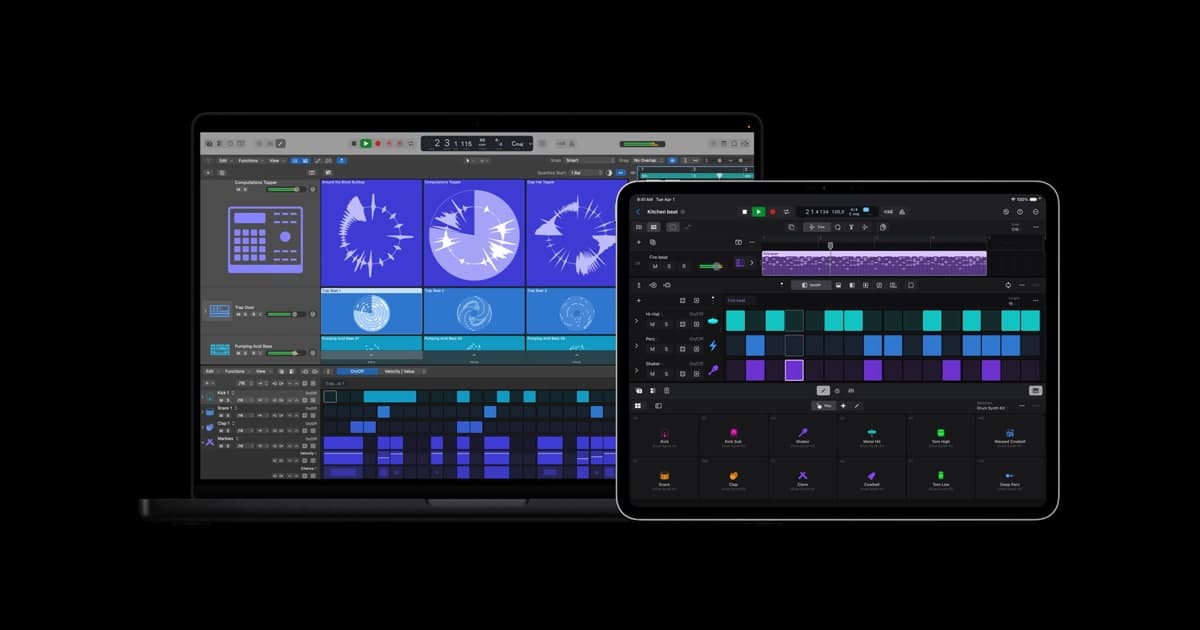
Logic Pro“Logic was the turning point for me… that's when it all got serious.”
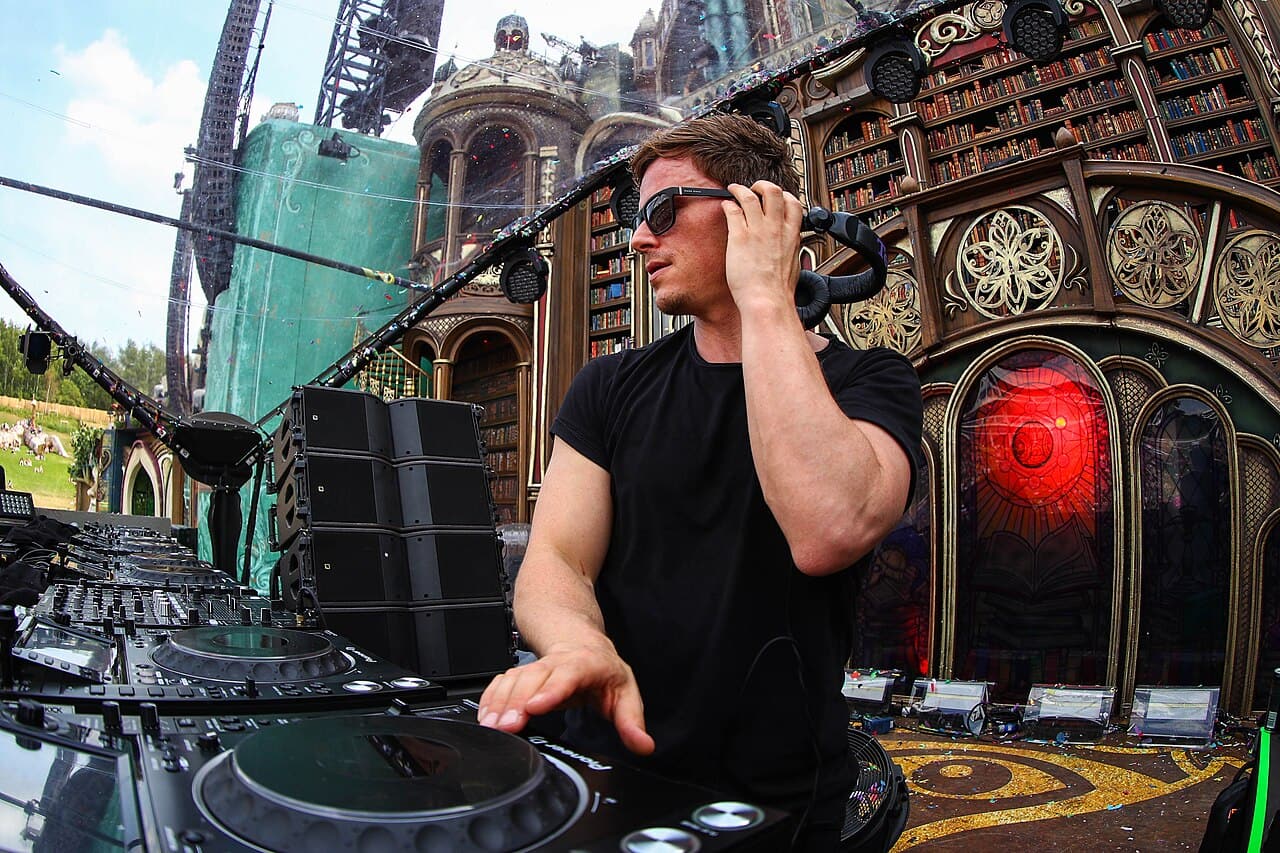
Photo: Rudgrcom · CC BY-SA 4.0
Fedde Le Grand has said he works in Logic Pro with the softsynths Nexus, Massive and Sylenth1. His mastering chain, in his words, runs through a UAD 4K Buss Compressor, FabFilter Pro-Q 2, Brainworx XL, Ozone 6 and FabFilter Pro-L, checked on Yamaha NS10s and KRK VXT8s.
truerecs may earn from links on this page.
“Logic was the turning point for me… that's when it all got serious.”
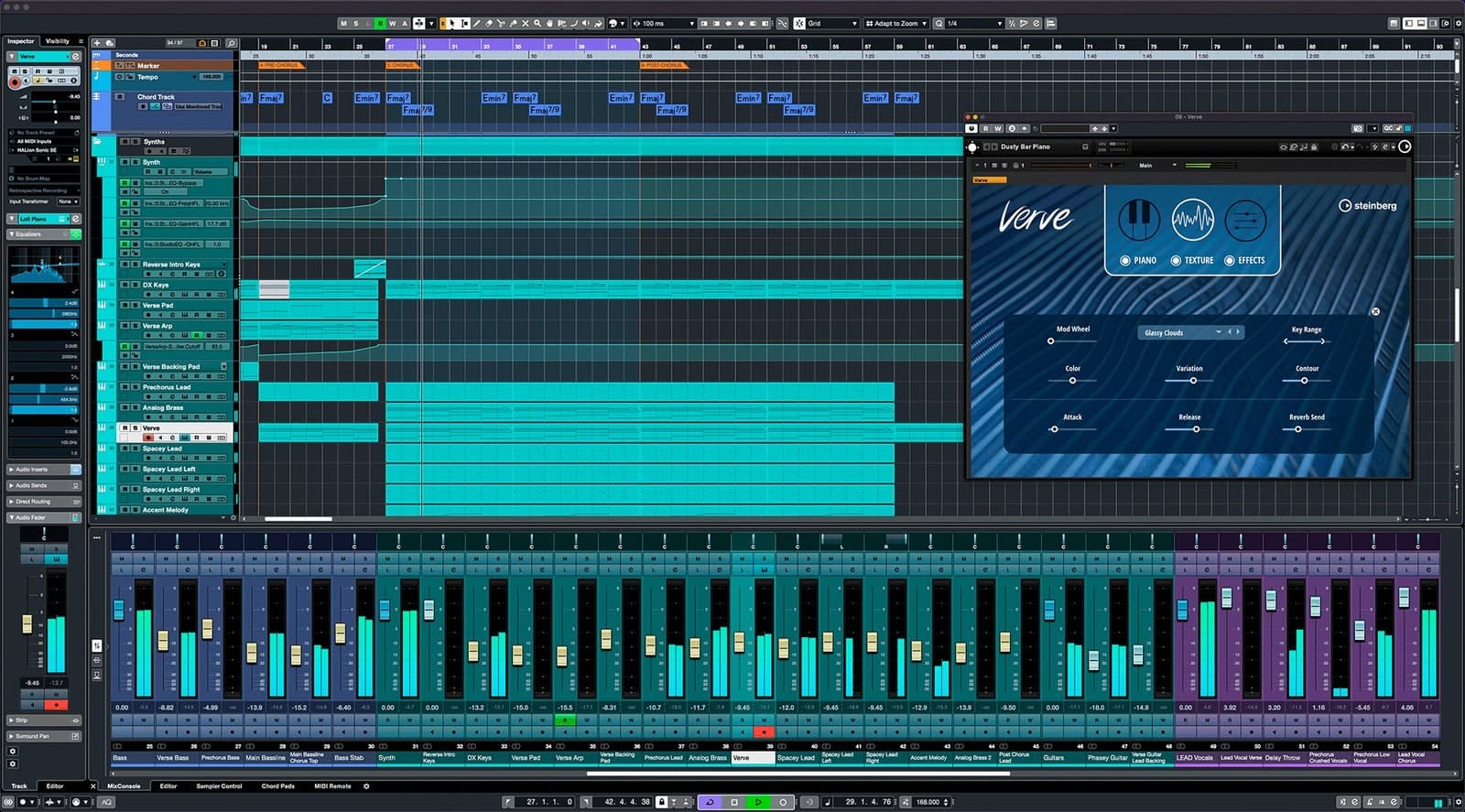
“I started with tracker software, hated it, moved up to Cubase”
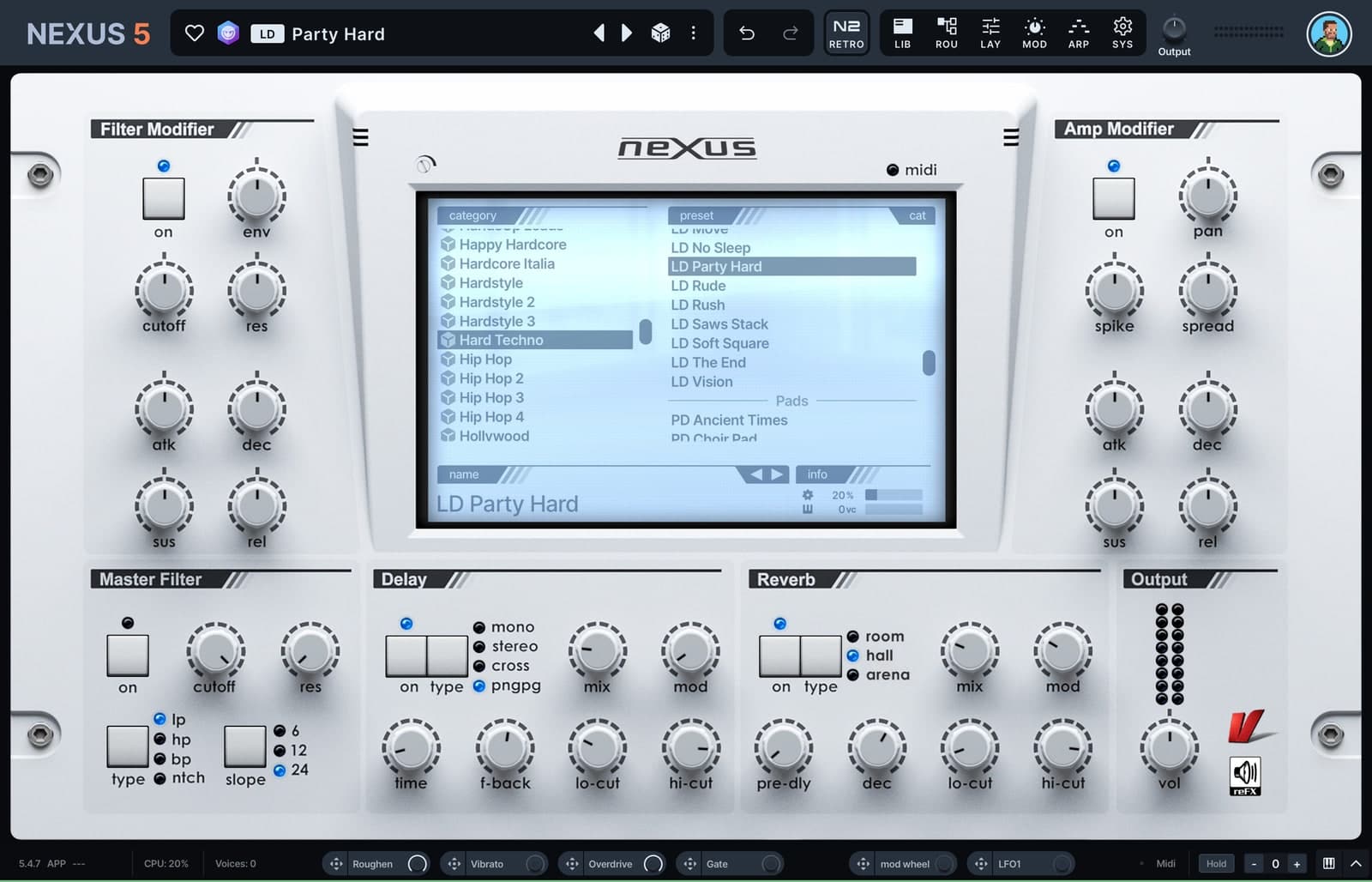
“Nexus was one of the first synths…probably followed by Massive and Sylenth1.”
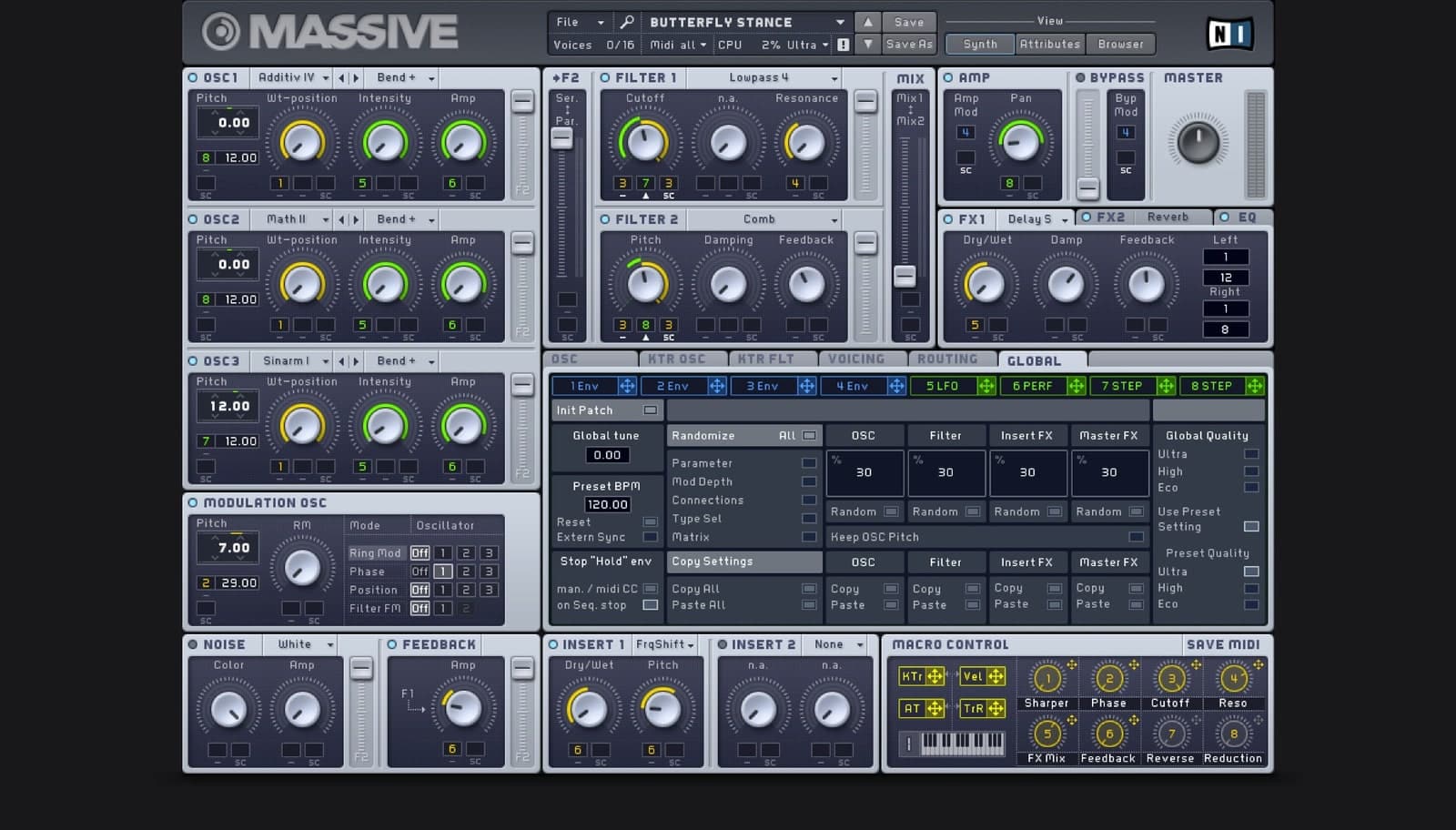
“Massive has actually got better with age: the high end is much sharper.”
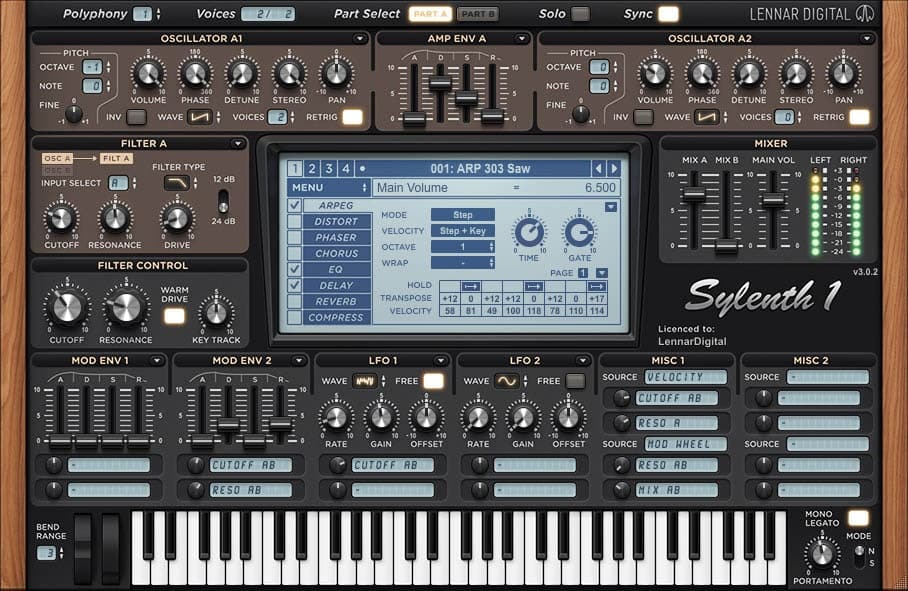
“Sylenth: it's highly editable; it's got an easy interface and good sound quality”
Independent research by truerecs: every item links to the public source it comes from.
“Logic was the turning point for me… that's when it all got serious.”
“Nexus was one of the first synths…probably followed by Massive and Sylenth1.”
“Massive has actually got better with age: the high end is much sharper.”
“Sylenth: it's highly editable; it's got an easy interface and good sound quality”
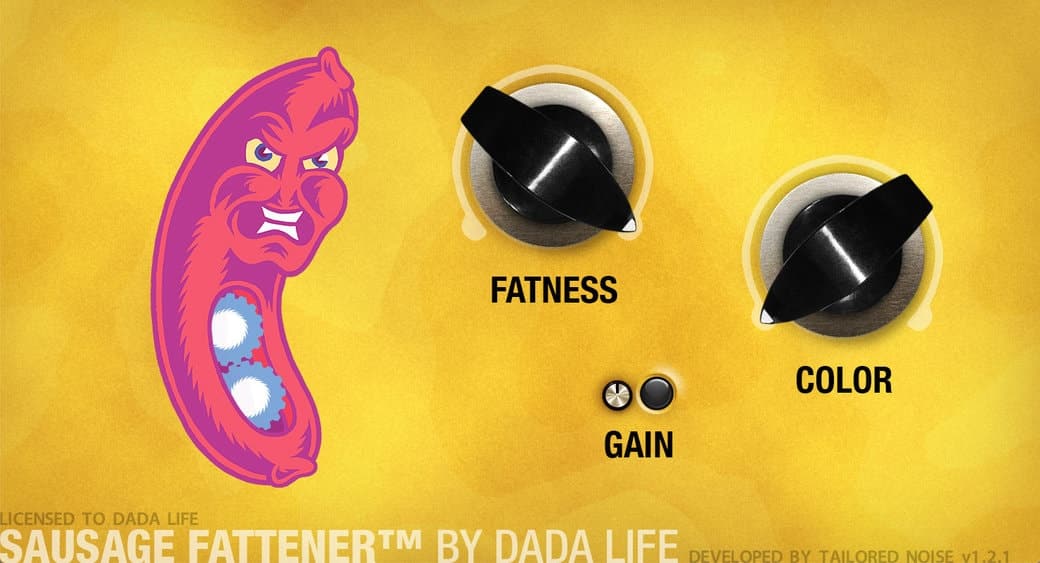
“Look at the Sausage Fattener. So simple, but it does the job it's supposed to do.”
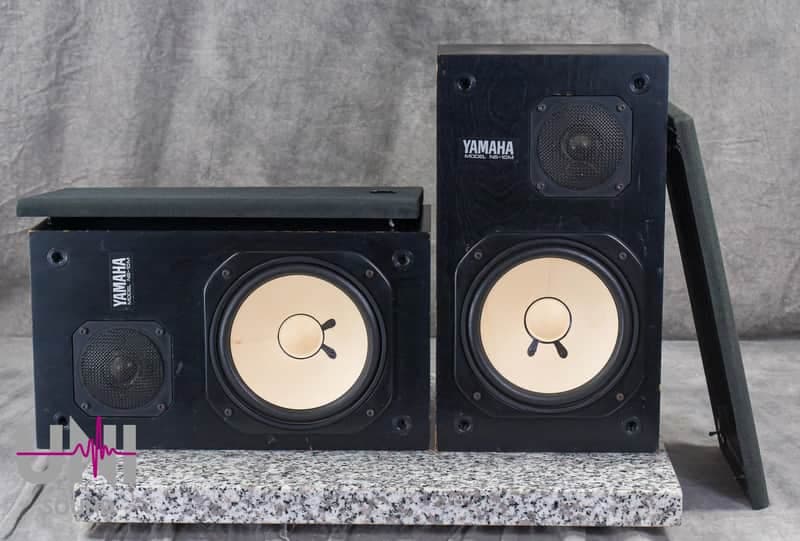
“I always like to keep a pair of NS10s, just to help level off the hats, percussion and vocals”
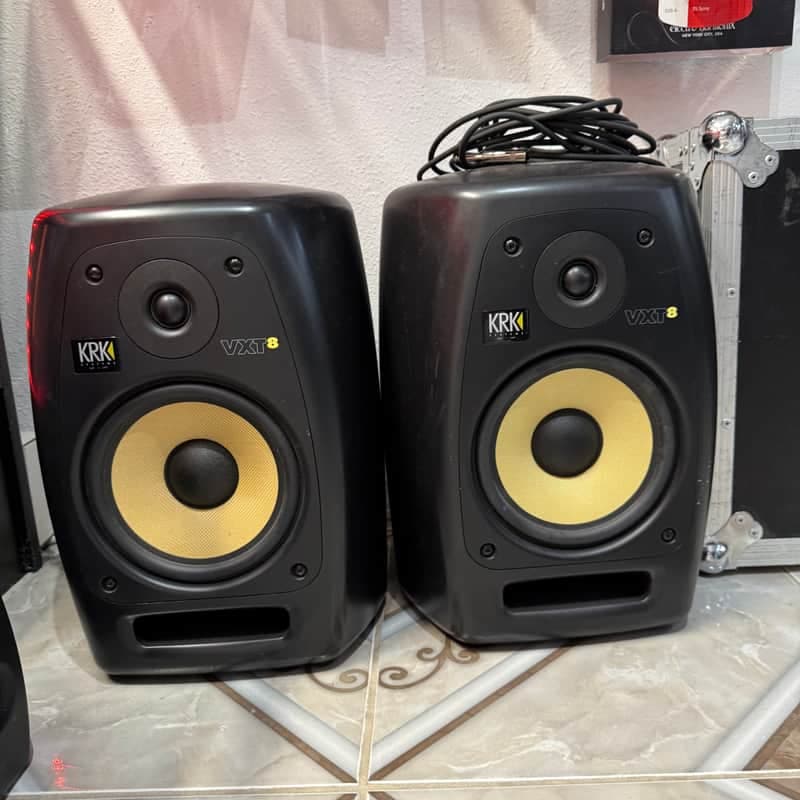
“plus a set of KRK VXT8s, to cross-reference the sound when I'm working on something that needs to be really EDM”
“I started with tracker software, hated it, moved up to Cubase”
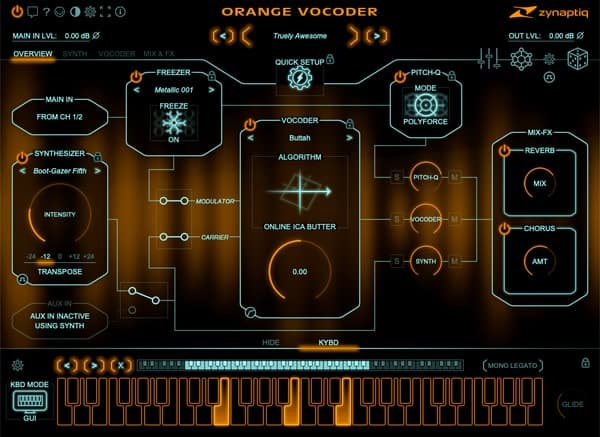
“I think the very first plugin I got was the Orange Vocoder, because I wanted to make a record that sounded like Daft Punk.”

“Together, we set up our own studio with Akai samplers, one of the early Mackie digital desks, two Roland JP-8000s”
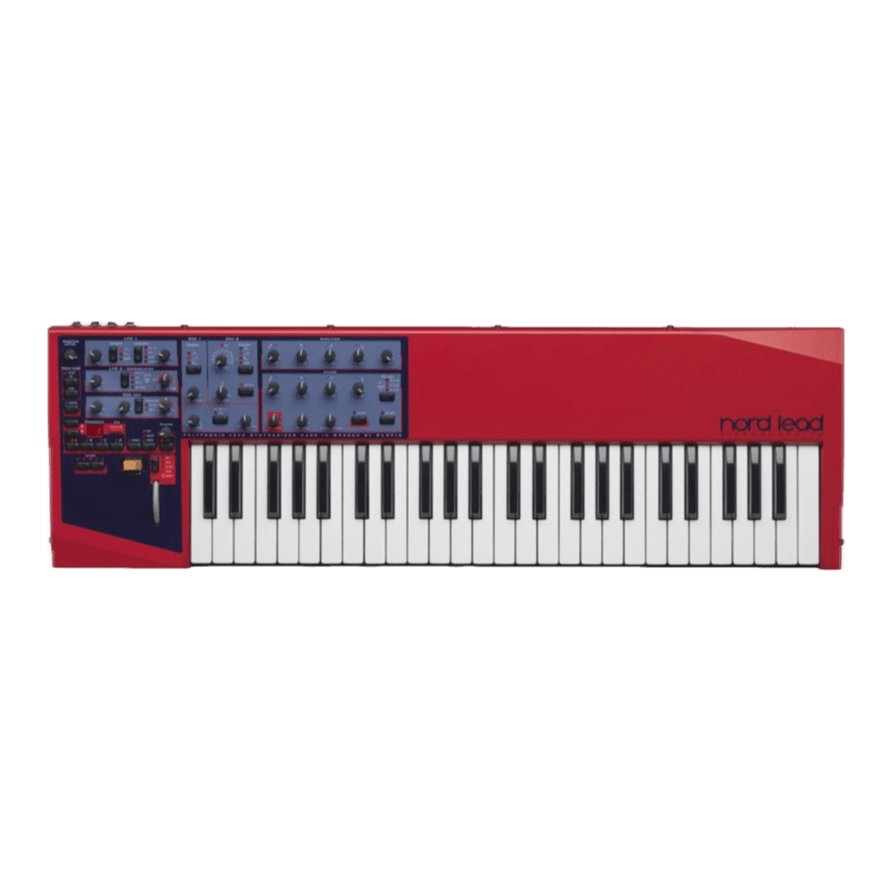
“two Roland JP-8000s, a Nord Lead, a 909 emulator and… about one year later, Logic appeared.”
“For a while, I was DJing with a live drummer and an early Roland V-Drum module.”
“The mastering chain usually starts with a UAD 4K Buss Compressor.”
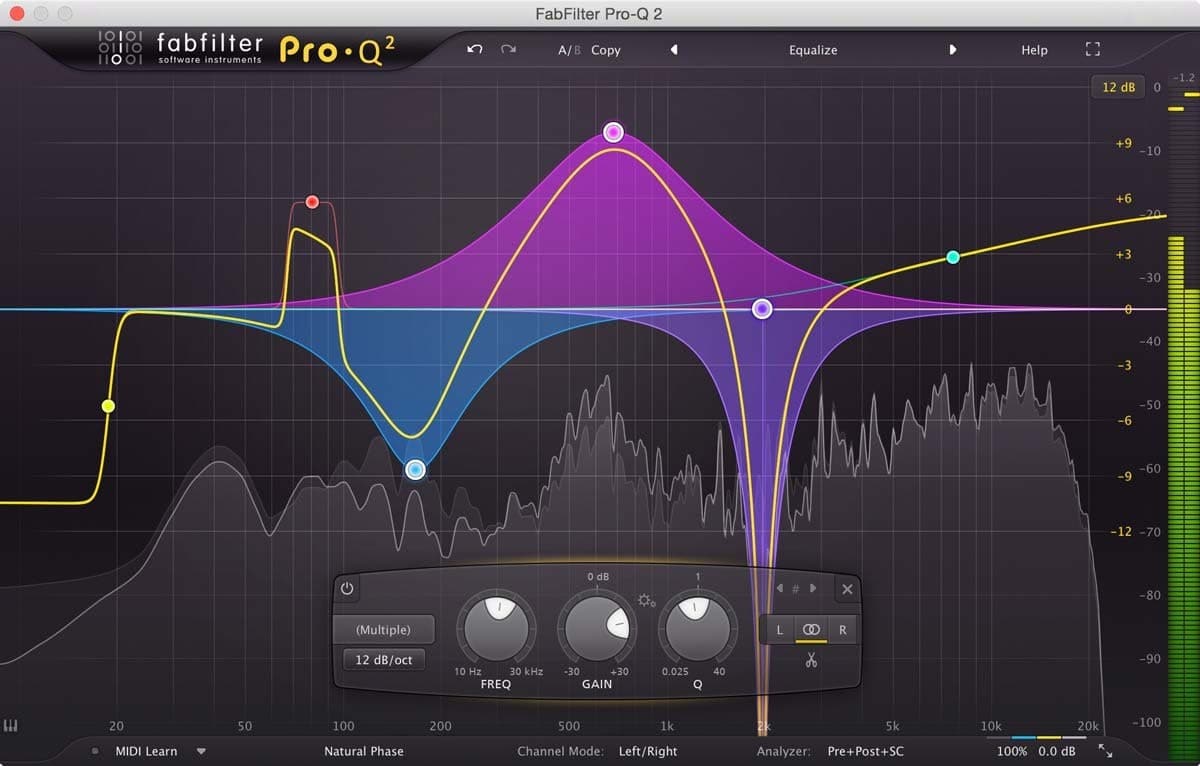
“Lately, I've been using the FabFilter Pro-Q 2 EQ, just to sort out the high end and the low mids.”
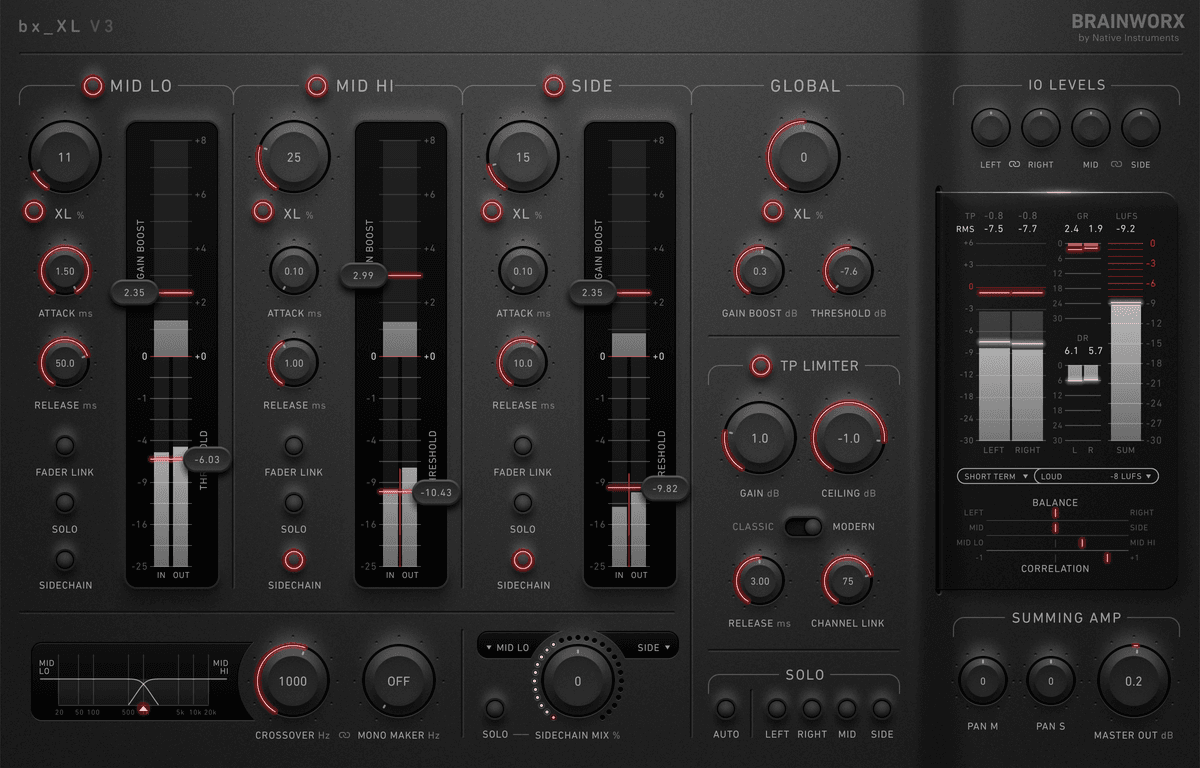
“I've also gone back to the Brainworx XL, which is good for sorting out the stereo image and getting the whole thing to sound a lot bigger.”
“Then there's a tiny bit of maximising in Ozone 6 to get rid of any extreme peaks”
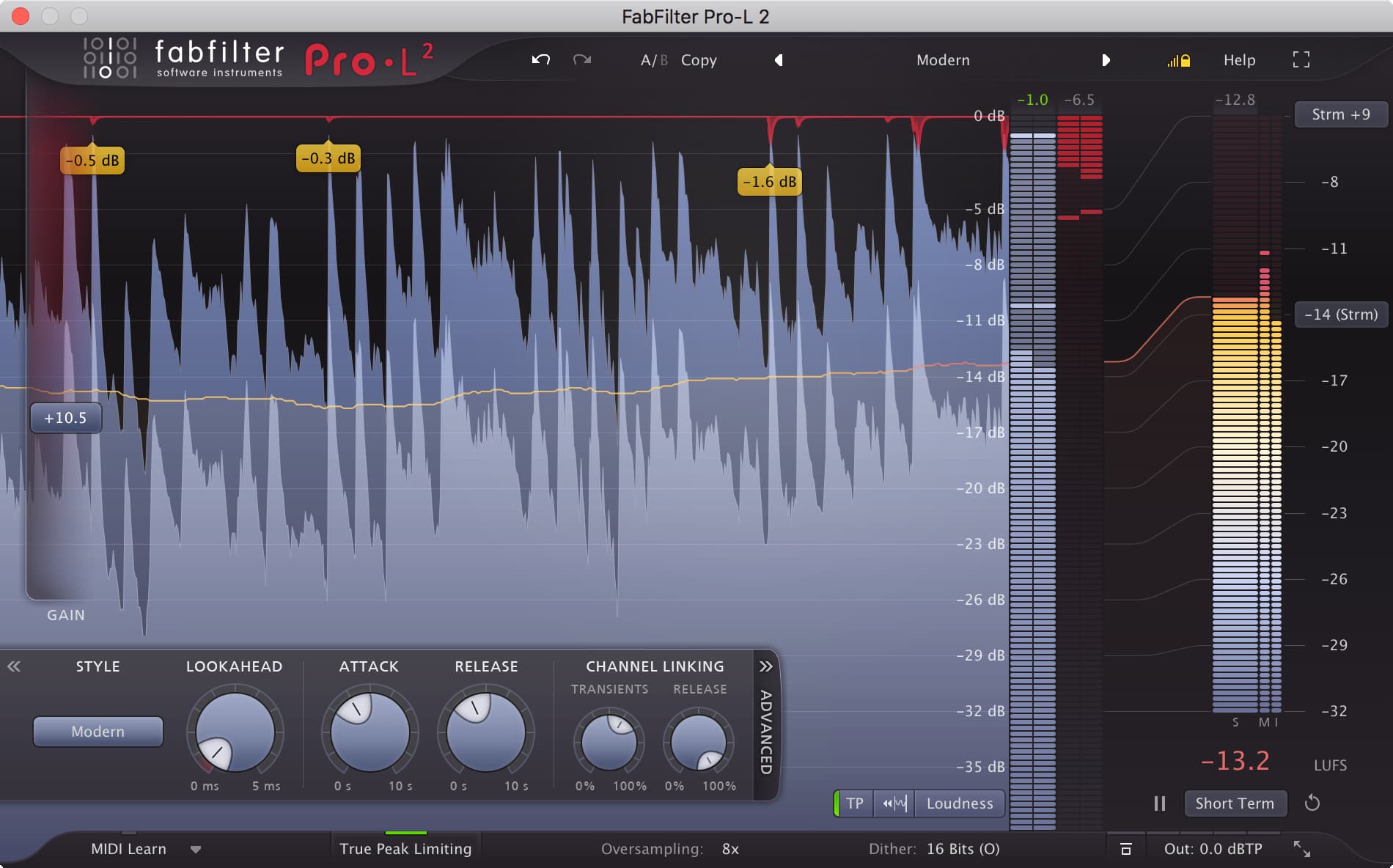
“FabFilter Pro-L sits right at the end.”
“I'm a big fan of the Sonoxx Oxford range - they have some quality plug-ins including limiters, compressors and everything I need.”
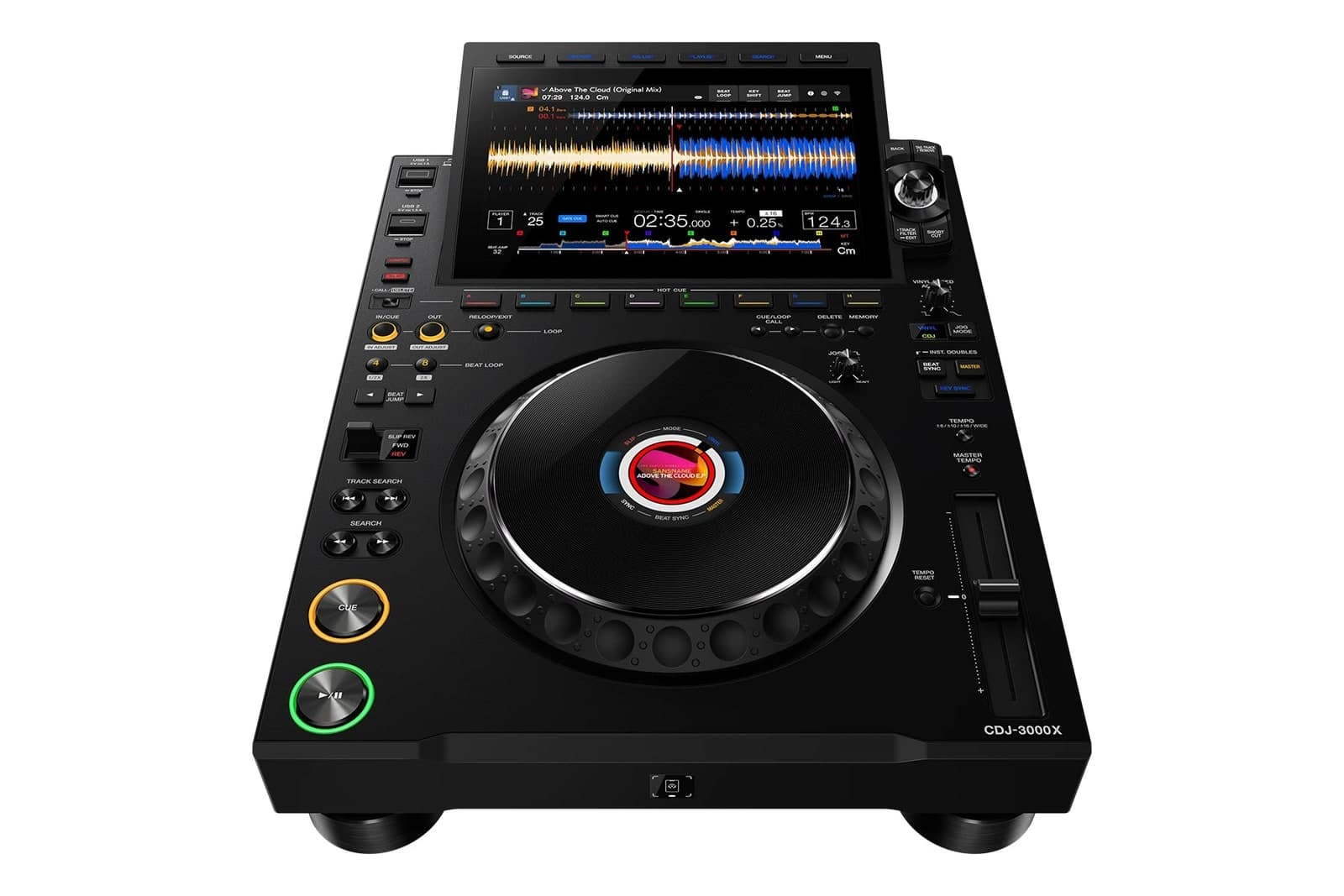
“I don't really need anything too outlandish, just four CDJs and a Pioneer DJM 800 mixer.”
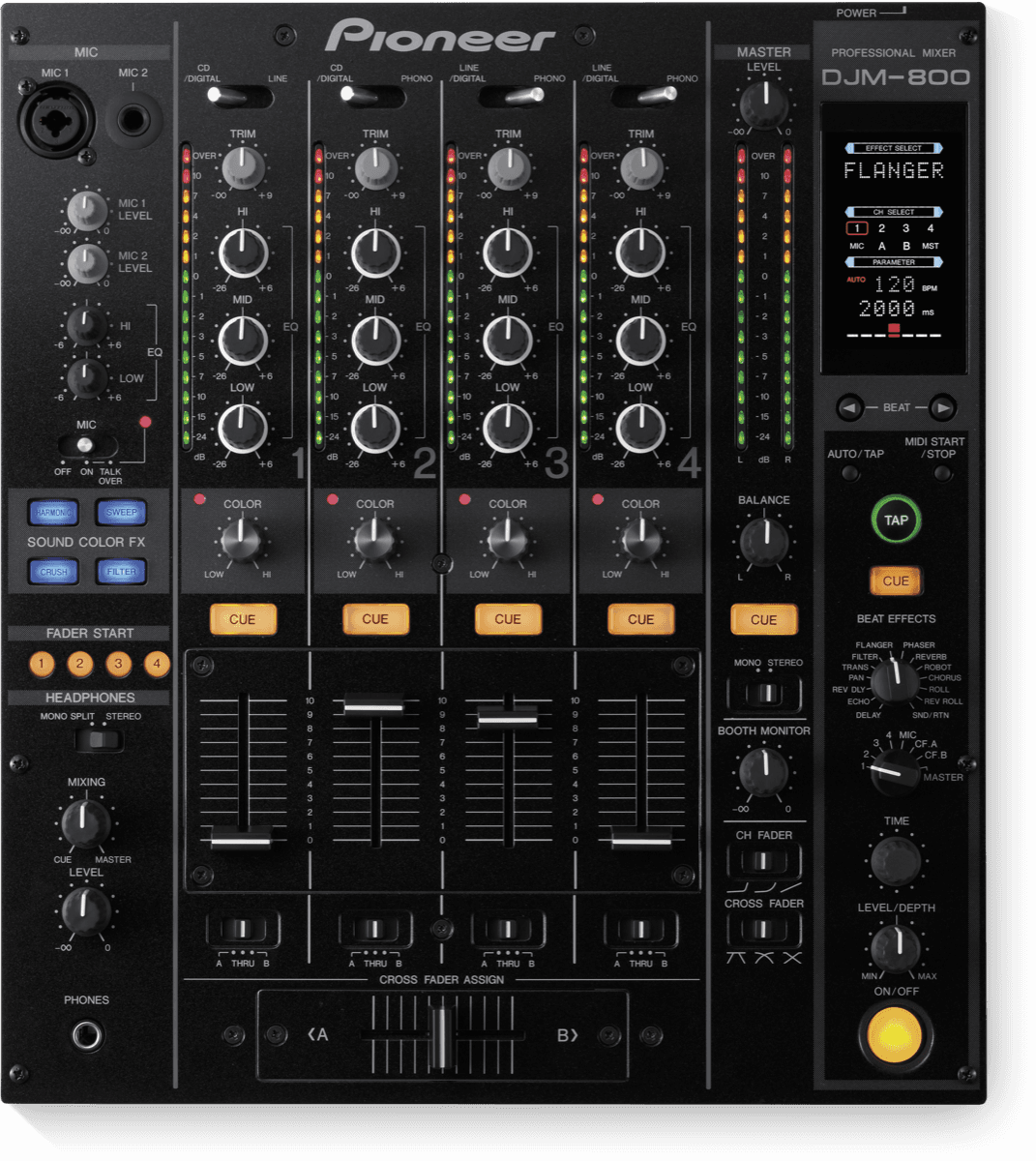
“just four CDJs and a Pioneer DJM 800 mixer”
“And enough Barcardi and coke to last the night.”


Fedde Le Grand has said he works in Logic Pro. He told Computer Music that Put Your Hands Up 4 Detroit was made purely in Logic, and that he started out on tracker software before moving to Cubase.
In 2015 he described his mastering chain: a UAD 4K Buss Compressor, FabFilter Pro-Q 2, Brainworx XL, a touch of iZotope Ozone 6 and FabFilter Pro-L at the end. He has also praised the Sonnox Oxford range and the Dada Life Sausage Fattener.
He has named the softsynths Nexus, Massive and Sylenth1, saying he still works with them. His first shared studio had two Roland JP-8000s and a Nord Lead.
His Eindhoven studio has custom-built main monitors designed by acoustician Misha Jacobi. He has said he keeps a pair of Yamaha NS10s for hats, percussion and vocals, plus KRK VXT8s to cross-check festival tracks.
In 2011 he told MusicRadar his rider was simple: four CDJs and a Pioneer DJM-800 mixer.





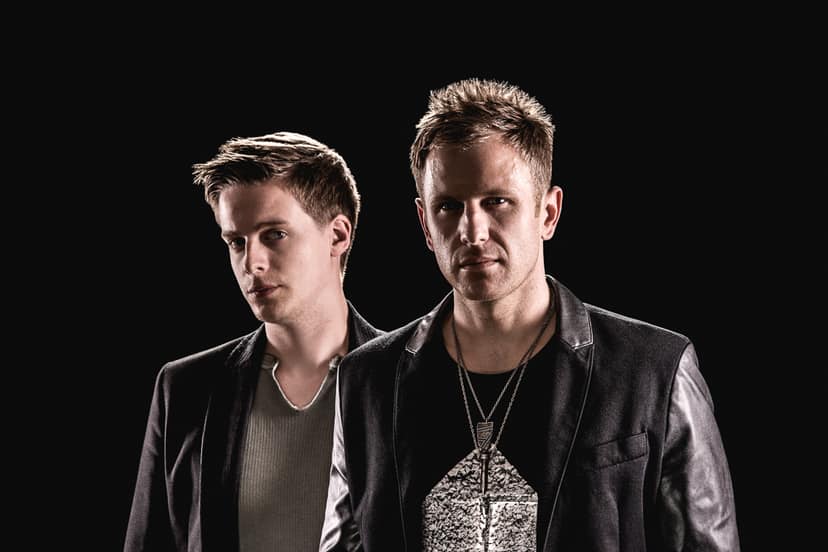
Fedde Le Grand is a Dutch DJ and producer based in Eindhoven, known worldwide since Put Your Hands Up 4 Detroit. This guide covers the DAW, plugins, synths, monitors and booth setup he has named in interviews, plus a few records.
truerecs put this guide together from public videos, interviews and posts. Each item says how we know and links to the source. Fedde Le Grand didn't write it or choose anything on it. How we source gear guides.
Report an error or ask for removal. We fix or remove within 72 hours. You don't need to sign up.
Claim this page to make it yours: verify with your Instagram, TikTok or YouTube, keep what's right, drop what isn't, and add your own.
Claim this page